
In the room
Record an interview, workshop, lecture, or physical meeting directly in VoiceDrop.
Record on your iPhone and let VoiceDrop turn the conversation into a clear transcript, separated speakers, a summary, decisions, and action items.
Record while locked · Leave the app · Get notified when it is ready

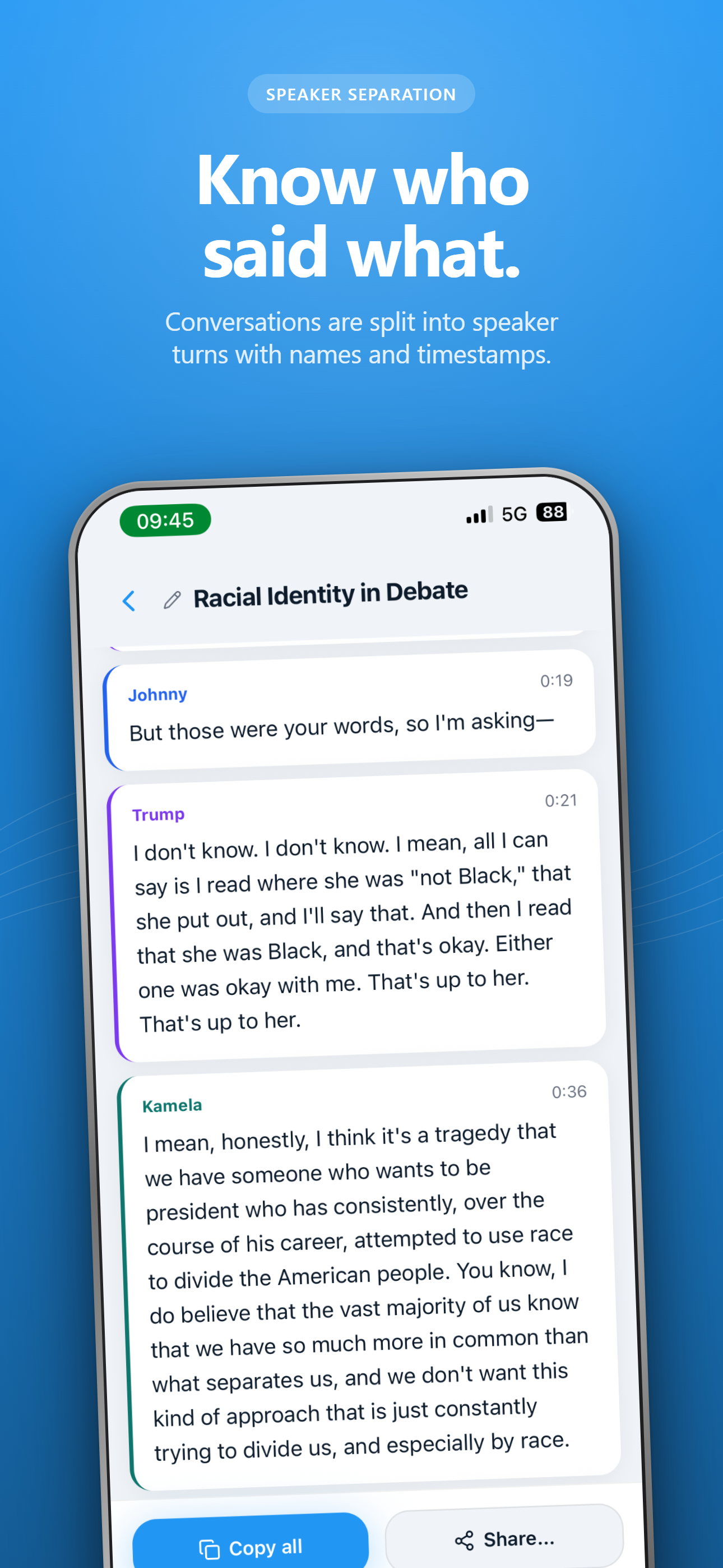
Follow the conversation in timestamped speaker turns.
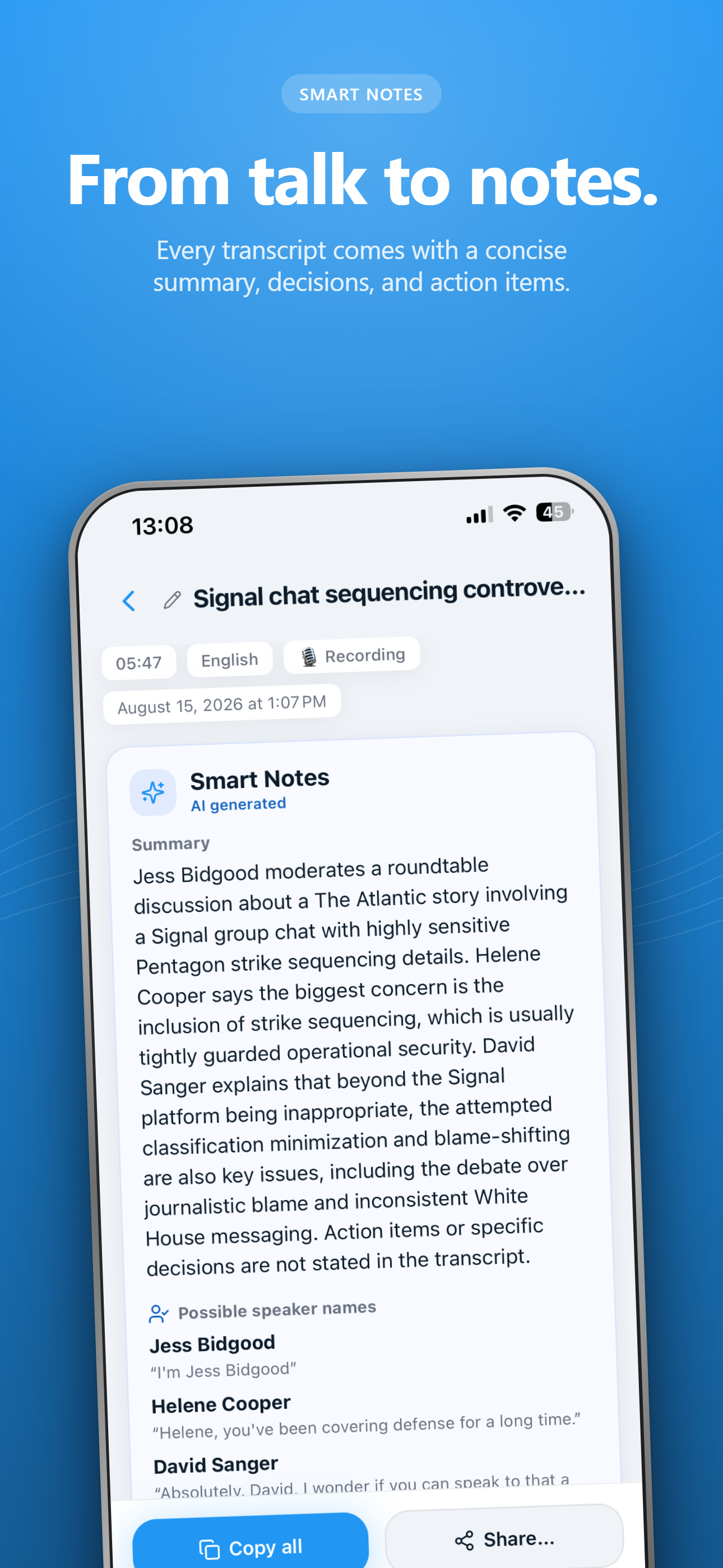
Get a concise summary, explicit decisions, and action items.
Upload and transcription continue in the background.
Choose a language or let VoiceDrop detect it automatically.
Know who said what
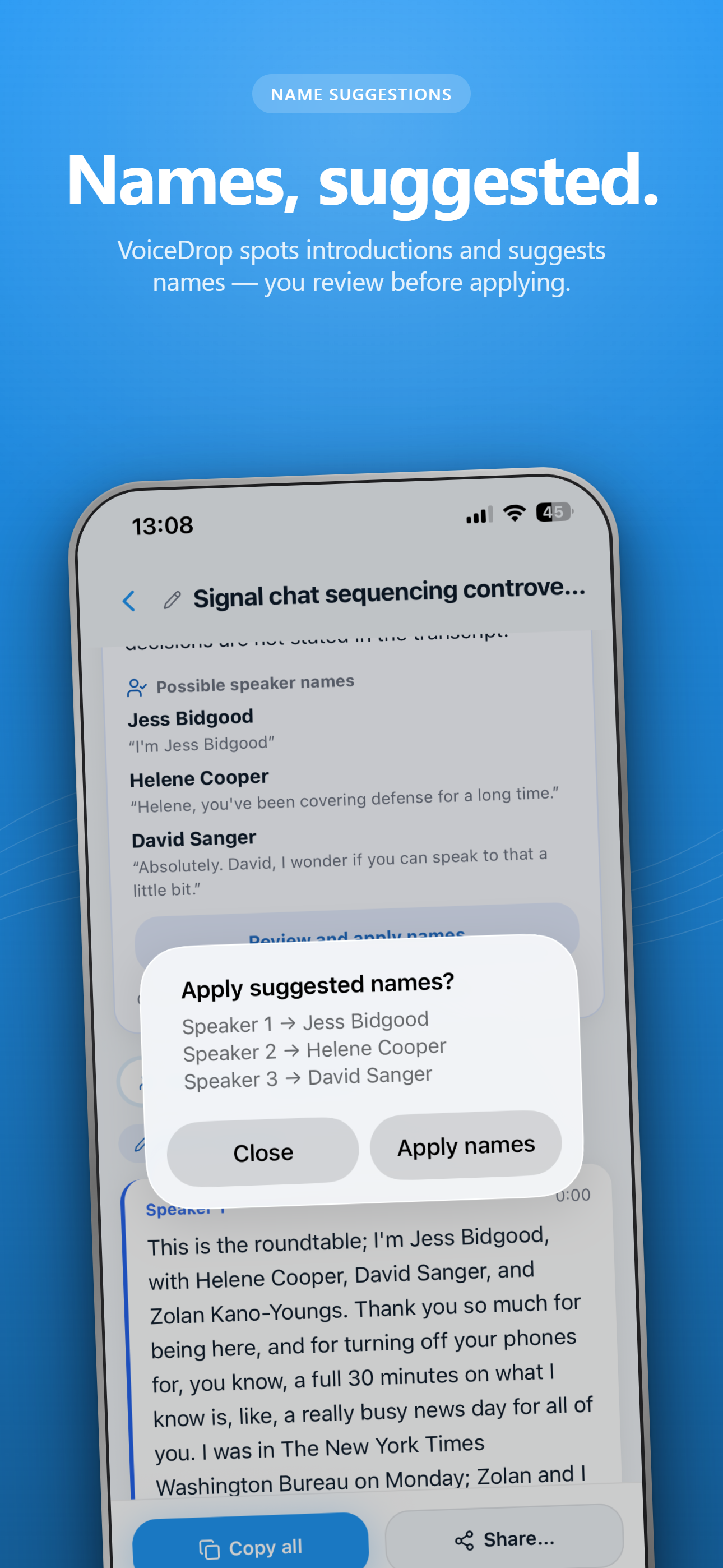
VoiceDrop separates a multi-person recording into speaker turns with timestamps. If the conversation contains a clear introduction or name cue, it can suggest names for you to review before applying.

Smart Notes
Every completed transcript can include a concise summary, decisions that were explicitly made, and practical action items. The transcript remains the source of truth and is always available below.
The discussion, reduced to what matters.
What the group actually agreed.
Clear next steps you can act on.

Record and walk away
Audio uploads securely, transcription continues in the background, and a notification opens the finished result.

Capture from anywhere
Record an interview, workshop, lecture, or physical meeting directly in VoiceDrop.
Pocket your iPhone while recording and stop from the Lock Screen.
Share an existing recording to VoiceDrop without moving files around.
Start quickly from supported iPhone shortcuts when the moment begins.
Private by design
Audio is used to create your transcript and is not kept in your VoiceDrop account after successful processing. If processing fails, a local recovery copy can remain on your iPhone for up to seven days so you can retry or save it.
Read the privacy policy →Available now for iPhone
Let VoiceDrop handle the transcript and notes.